
3D sales tools, built from your drawings.
Buyers turn the building, pick an apartment and enquire. Your team sees the same apartments with their sales status.
Try it below: drag the building or pick an apartment on the board.
 Sample statusesDrag to rotate · click an apartment
Four formats, one model.
Start with one and add the others later. They share the same 3D model and the same stock data.
- 01
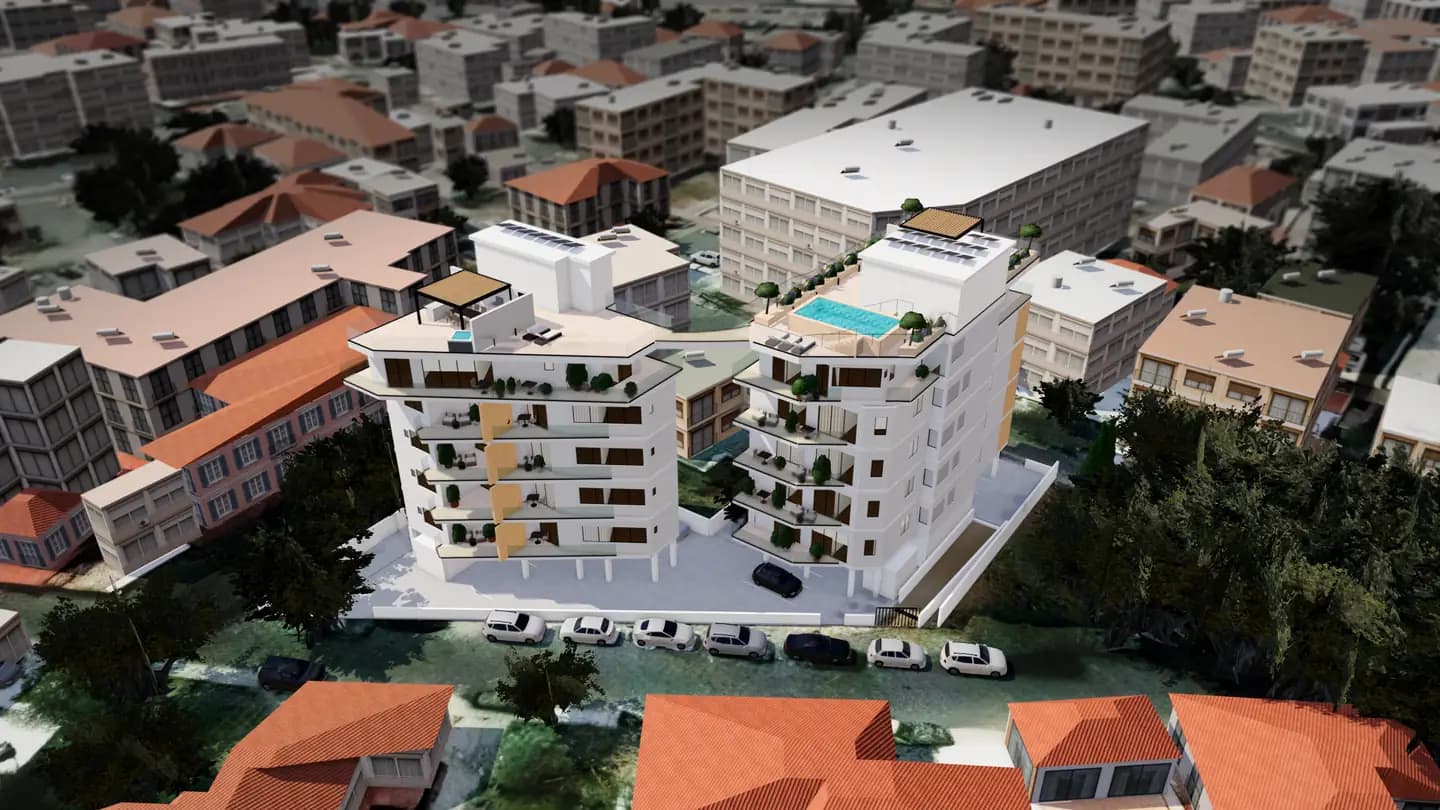
Orbit viewer
Pre-rendered frames around the building, with apartment selection. Loads fast on a phone.
 02
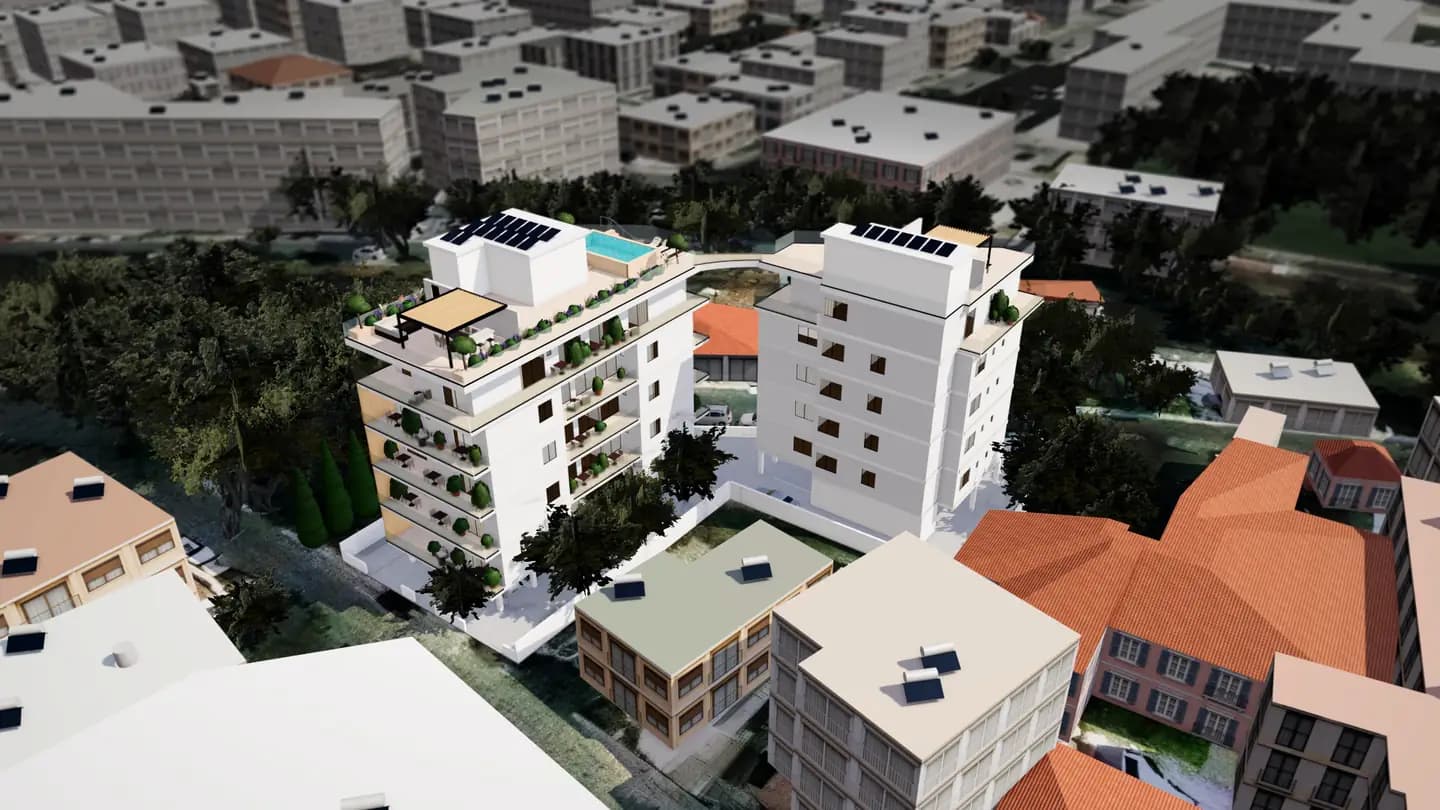
Realtime 3D viewer
A live scene in the browser. Apartments are coloured by availability.
 03
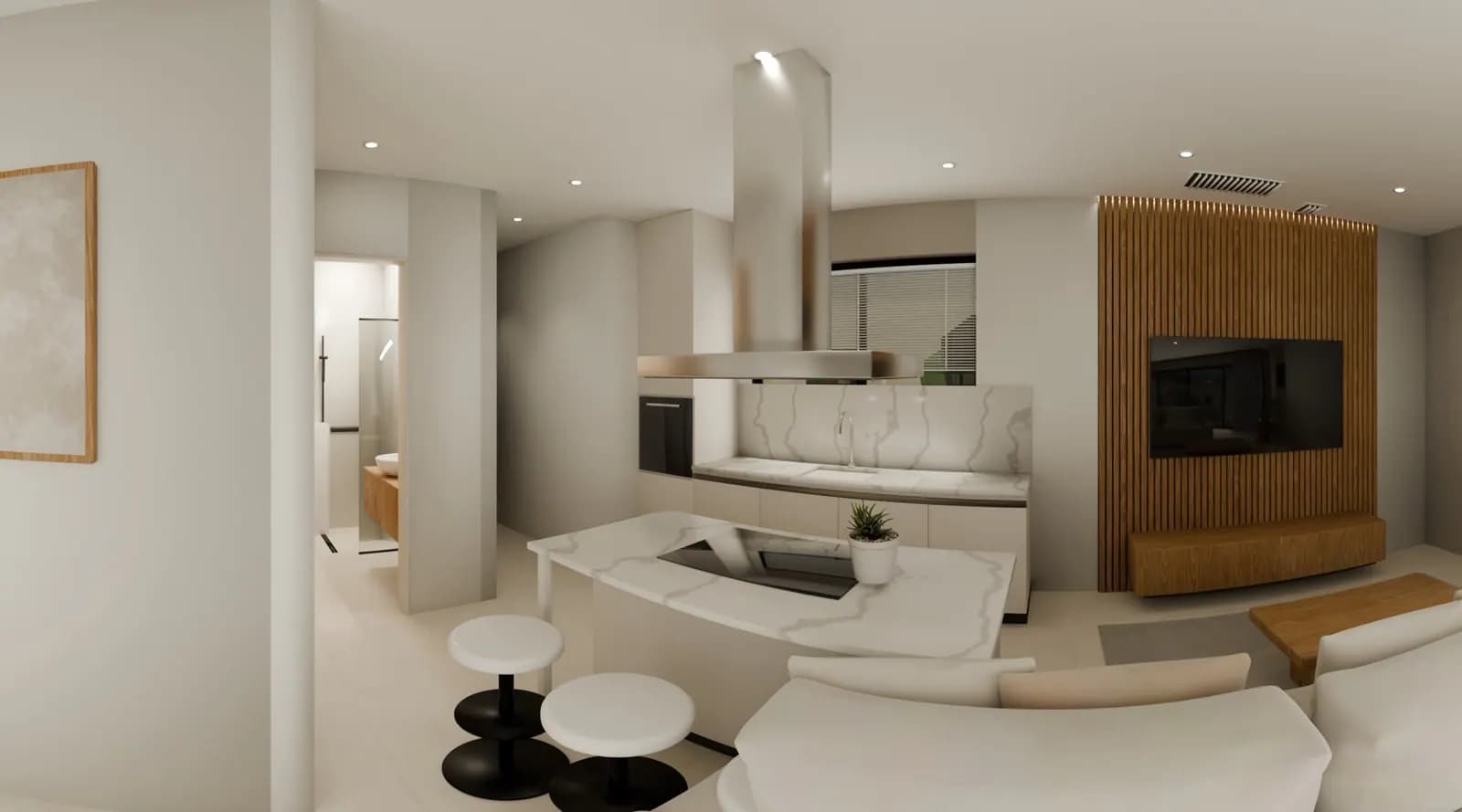
360° interior tours
Walk through an apartment before it is built. Works in VR headsets.
 04
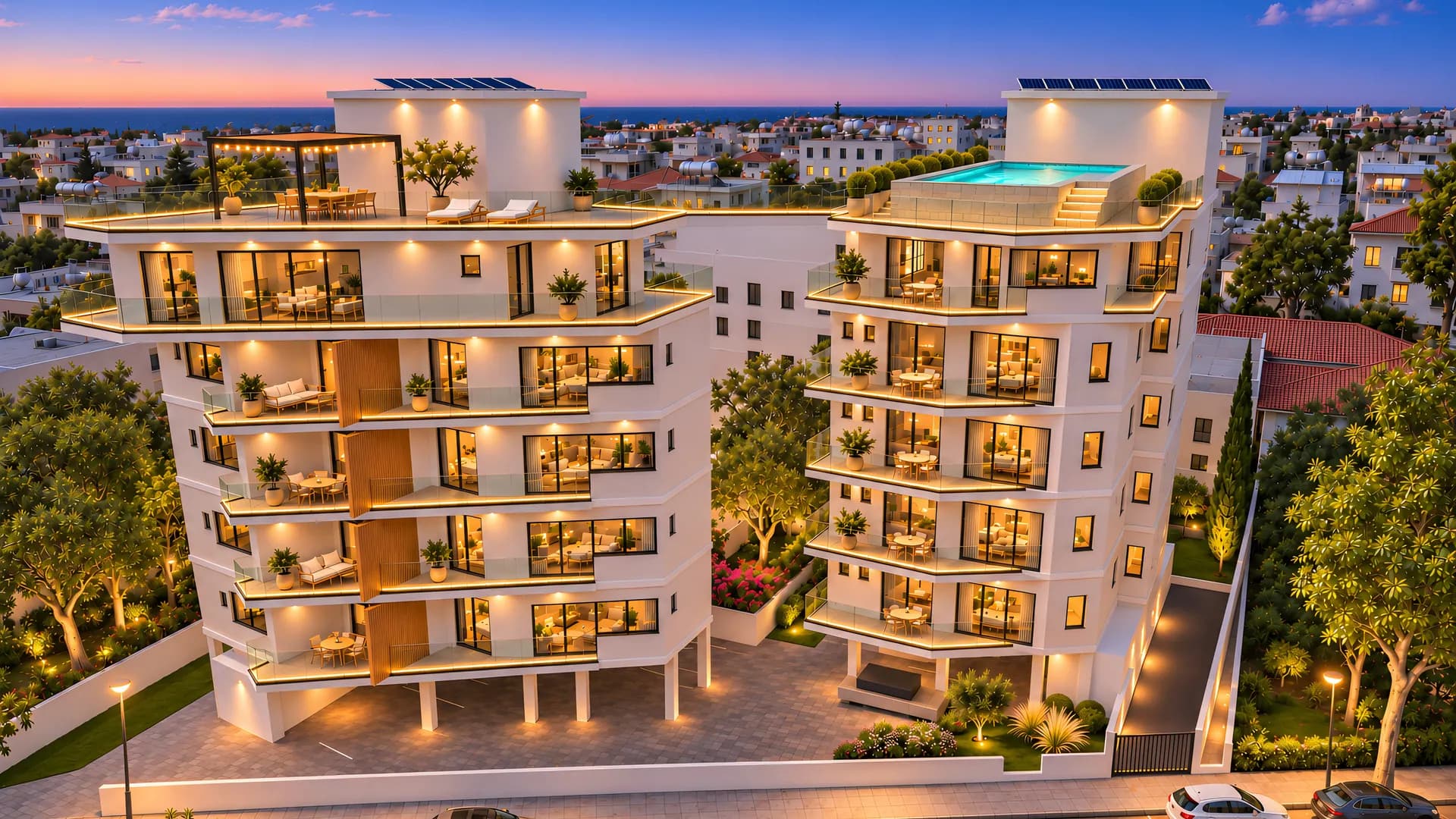
Renders
Still images for brochures, portals and ads.
One project in four formats. Apartment statuses are sample data.
What a buyer can do in the viewer.
Functions of the realtime 3D viewer, as they work in our live projects.
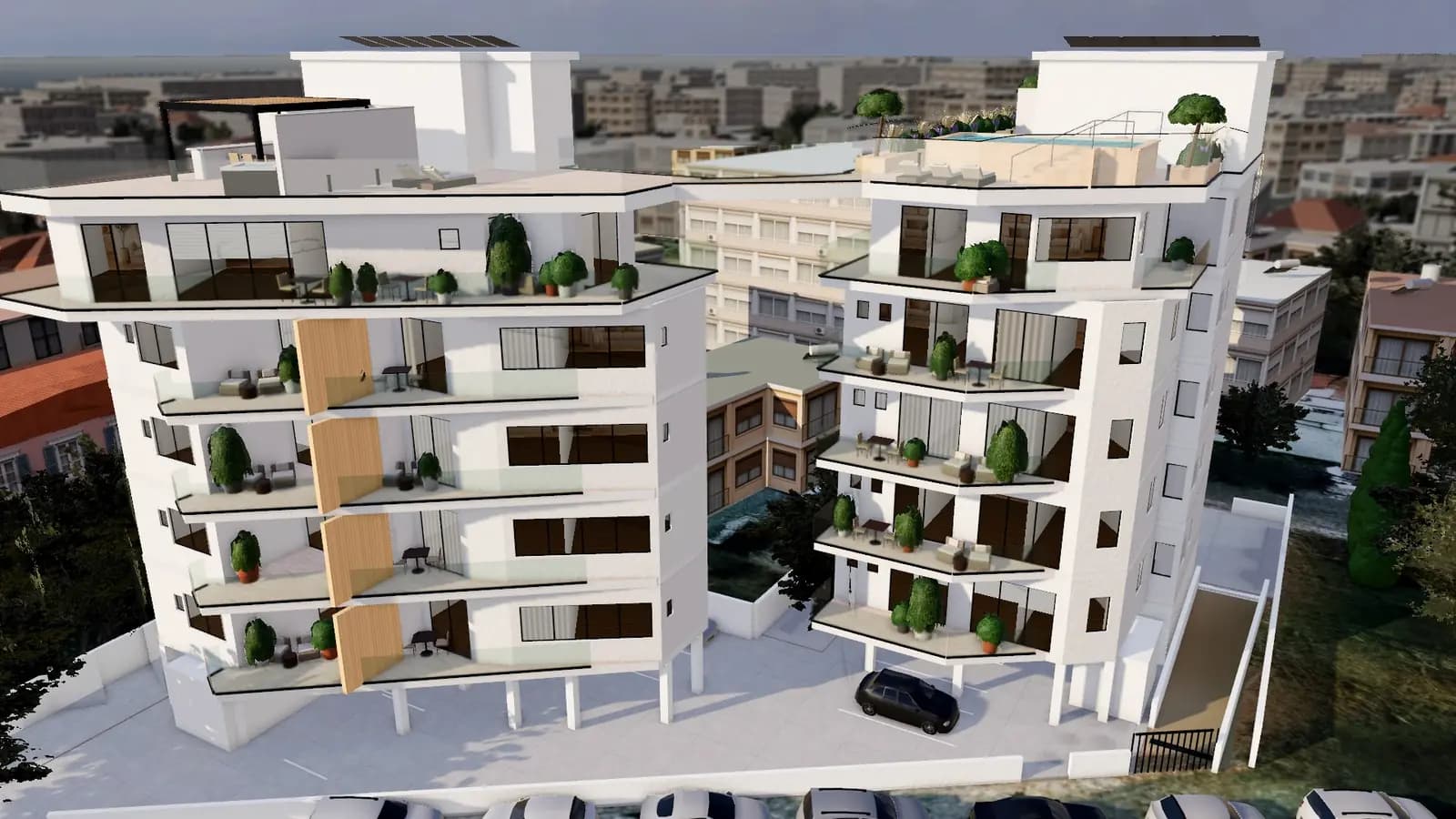
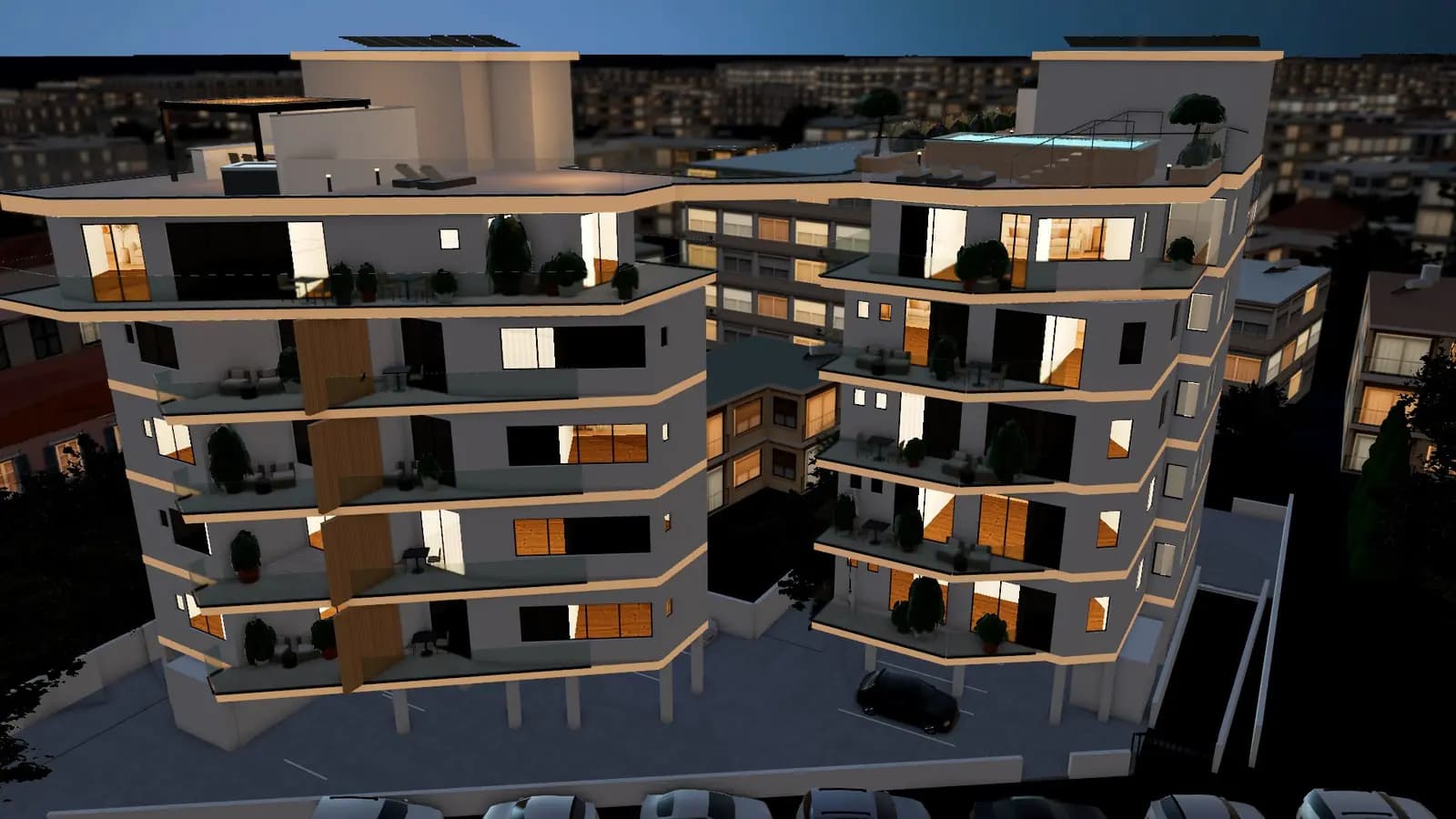
- Time of day
- DaySunsetNight
- Weather
- ClearCloudyRain
Light and weather
Day, sunset and night, each in clear, cloudy or rainy weather. A buyer sees the building at the hour they would come home.
Switch the picture: these are four modes of one view, captured from the viewer.
Nearby places
Shops, schools, clinics, the sea and parks around the project. Each shows its walking time and the route on the map.
Apartment finder
Filters by number of bedrooms and by availability. Picking a row opens the apartment card and shows the apartment on the building.
Ready-made views
Front, side and roof views in one tap, or a slow flight around the building.
360° tours and VR
The interior tour opens from the apartment card, inside the viewer. The same tour runs in a VR headset.
Four languages
English, Greek, Hebrew and Russian, with a right-to-left layout for Hebrew.
Made for phones
A separate layout and a lighter set of files, so the viewer opens on mobile data.
Enquiries go straight into your CRM.
The viewer reads one stock record and sends every request back to it. Nobody retypes an enquiry.
Stock record
Apartments, prices and statuses are kept in the CRM.
3D viewer
Shows the current status and price of every apartment.
Request form
Opens from the apartment card with that apartment already chosen.
Lead in the CRM
Created at once in REX-OPS with the apartment, the visitor’s language and the ad source.
Shown for REX-OPS. Another CRM connects through its API.
Open a live project.
Two real projects, as their buyers see them. Each opens in a new tab.
 Realtime 3D viewerLight, weather, Nearby places and VRA residential project in Limassol, with 360° tours of its apartments.Open the viewer
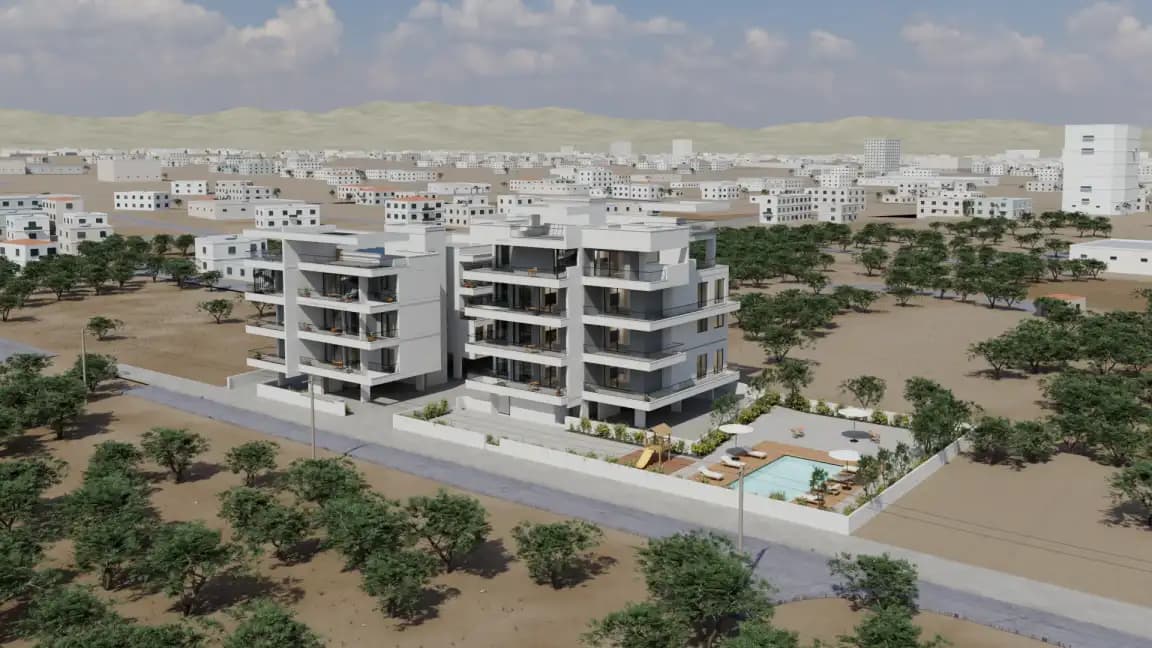 Orbit viewerTurn the building and find an apartmentA residential project in Limassol. The finder filters by block, floor, bedrooms, availability and budget.Open the viewer
Renders and interiors.
Stills come from the same model as the viewer, so every picture shows the same building.
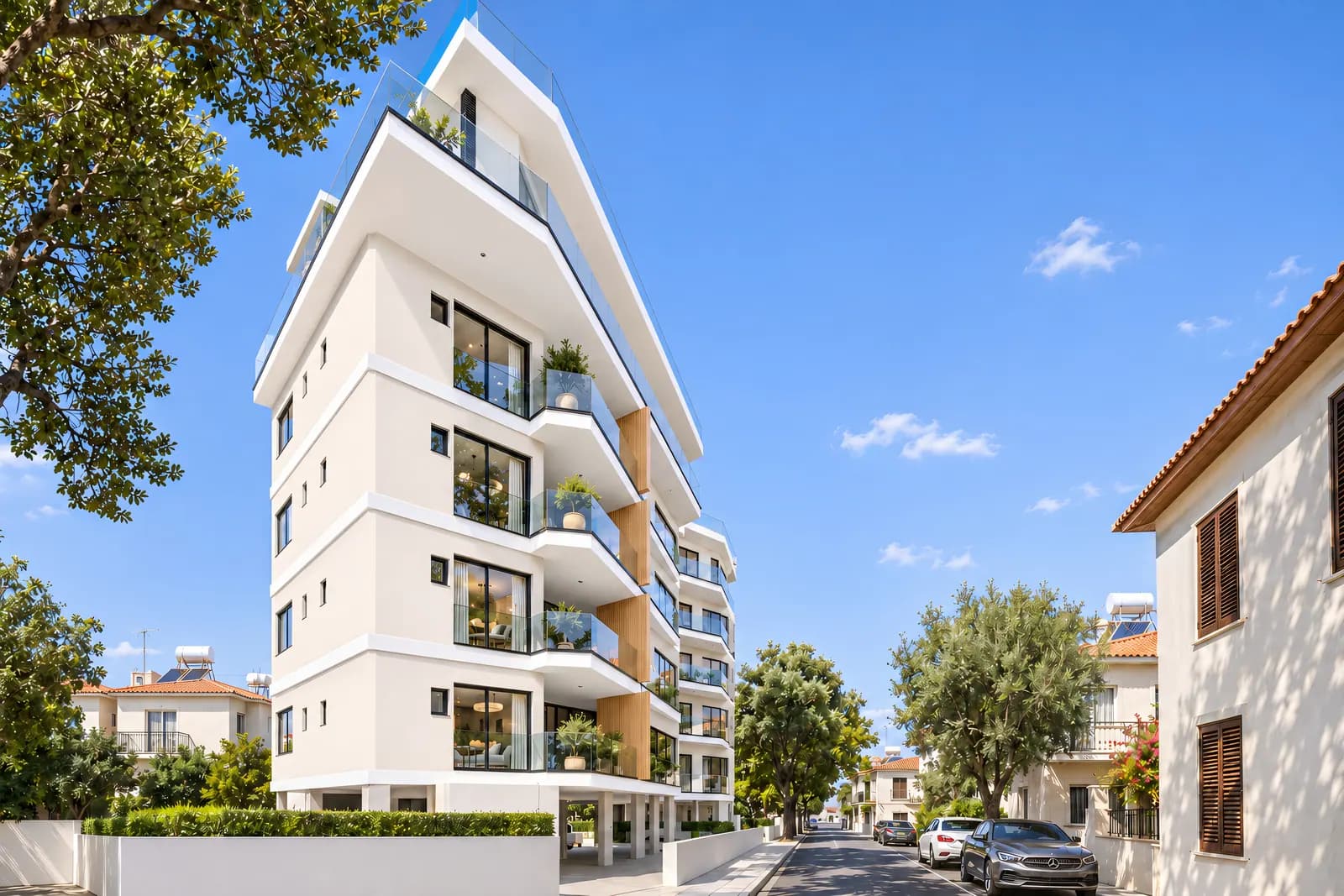
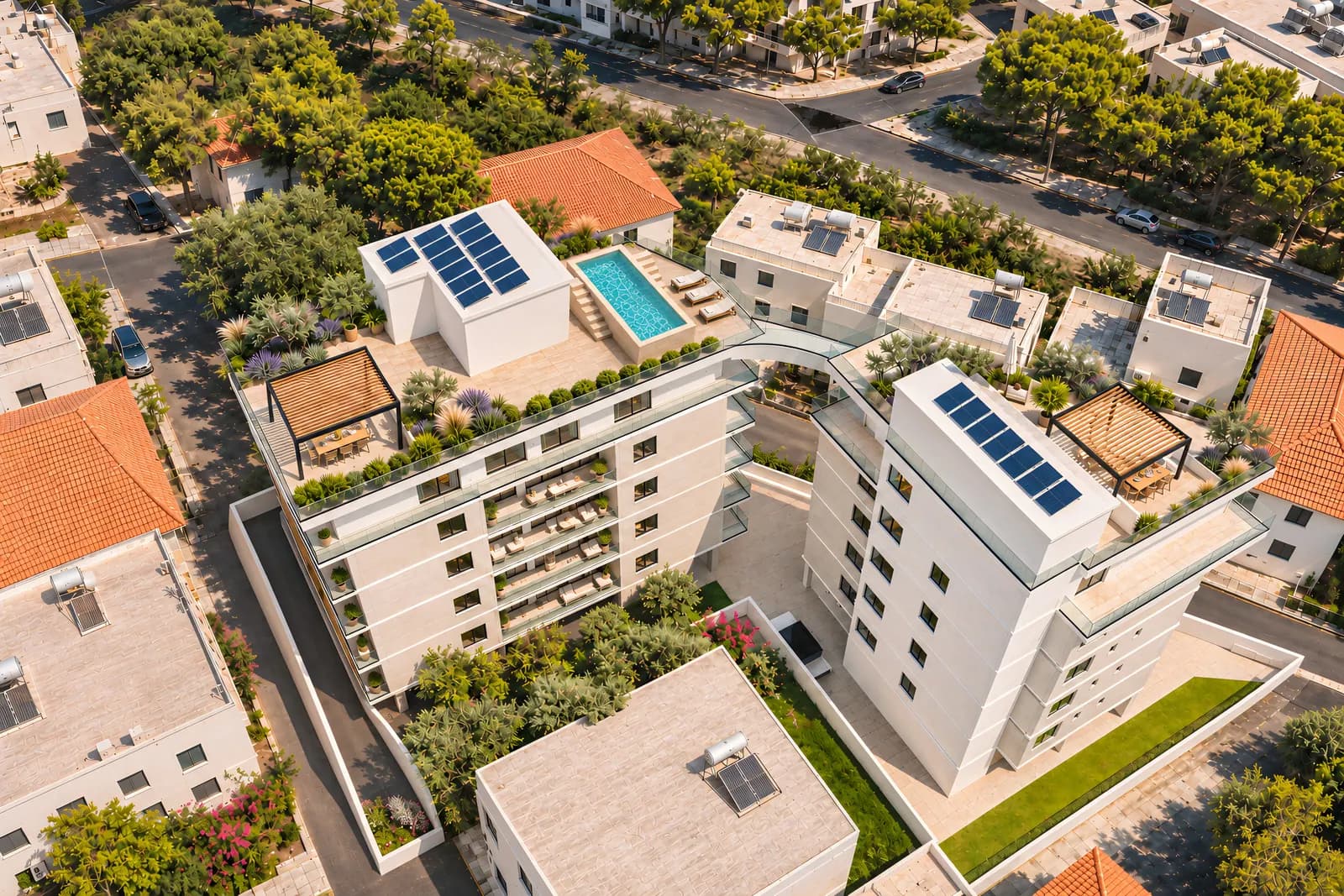
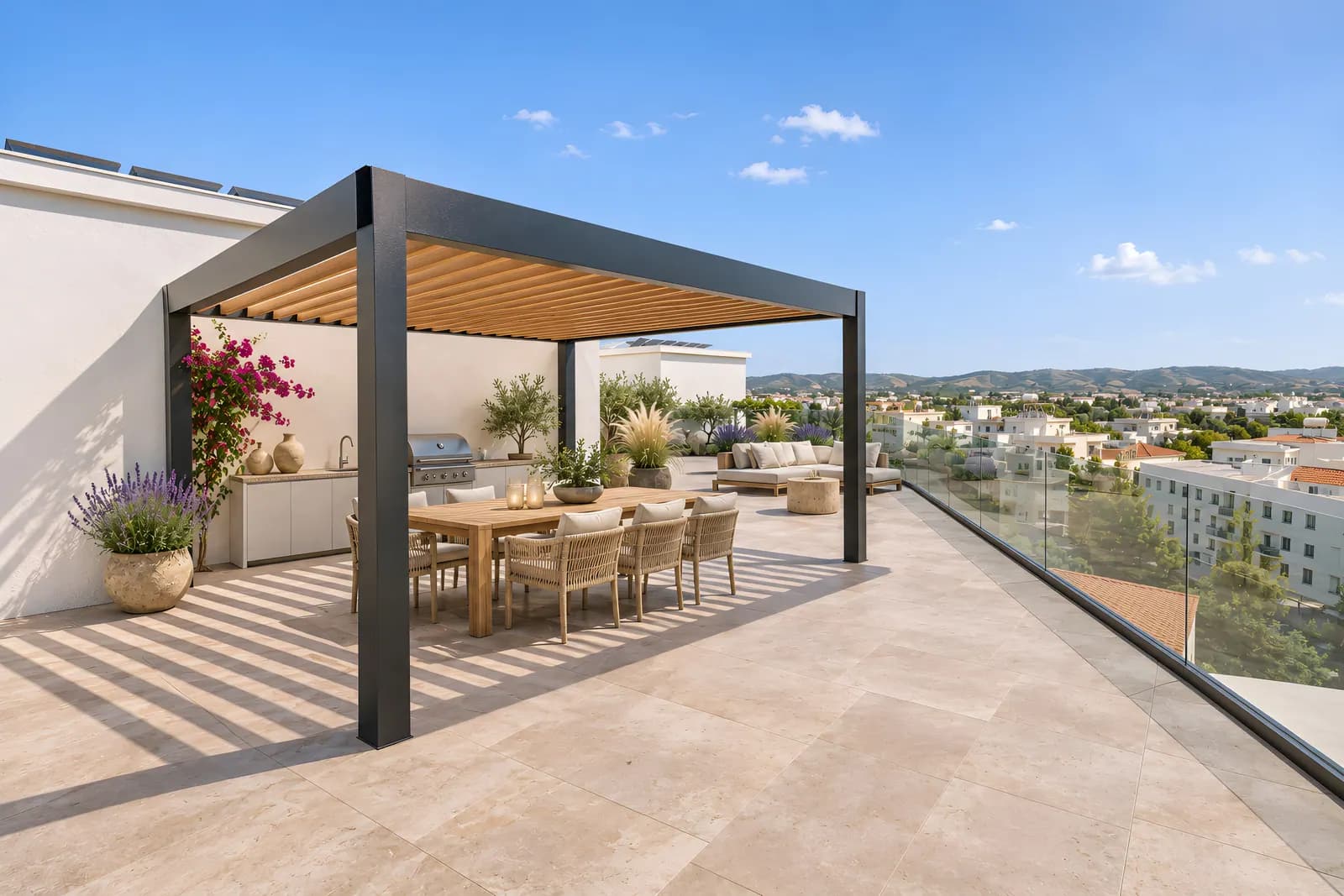
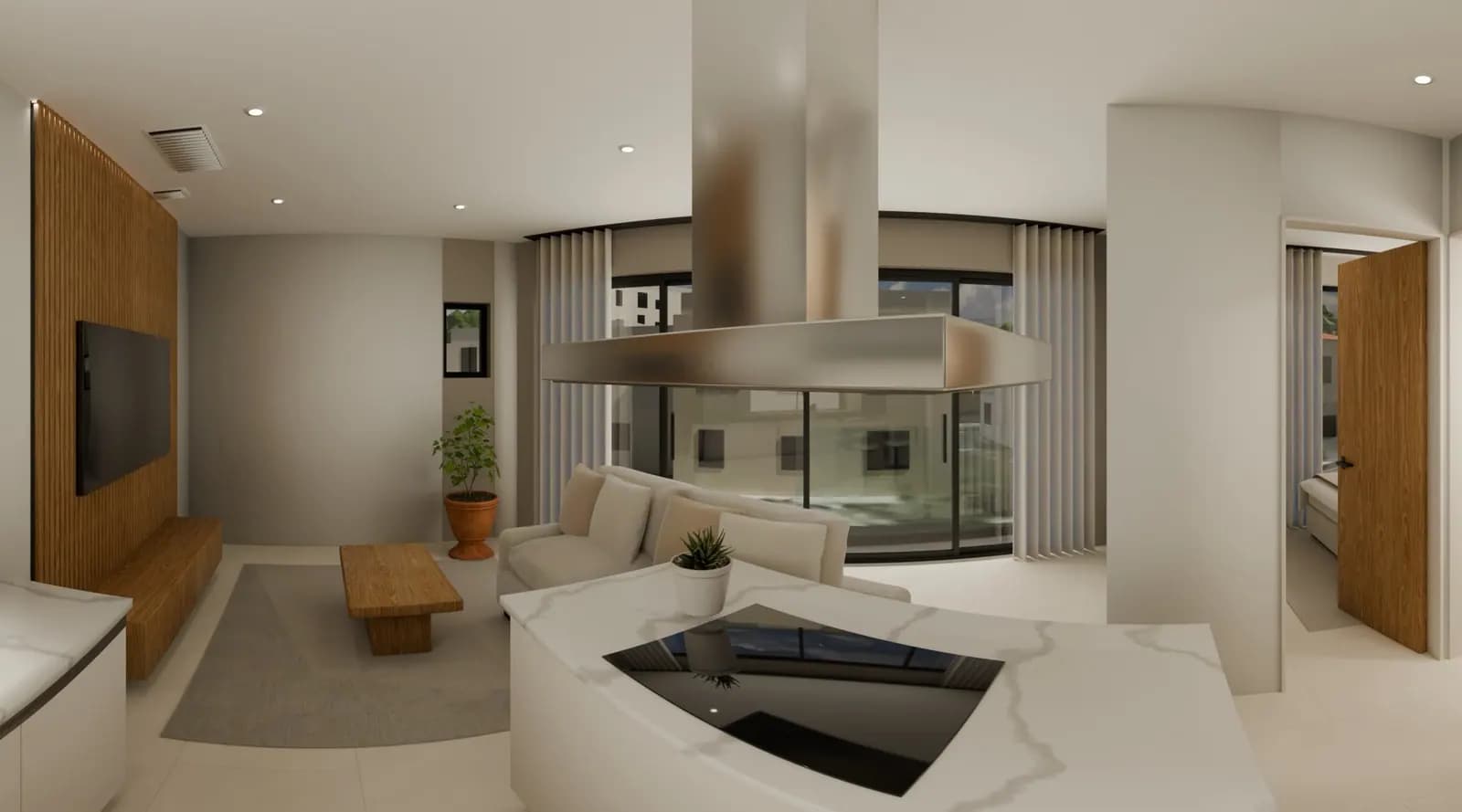
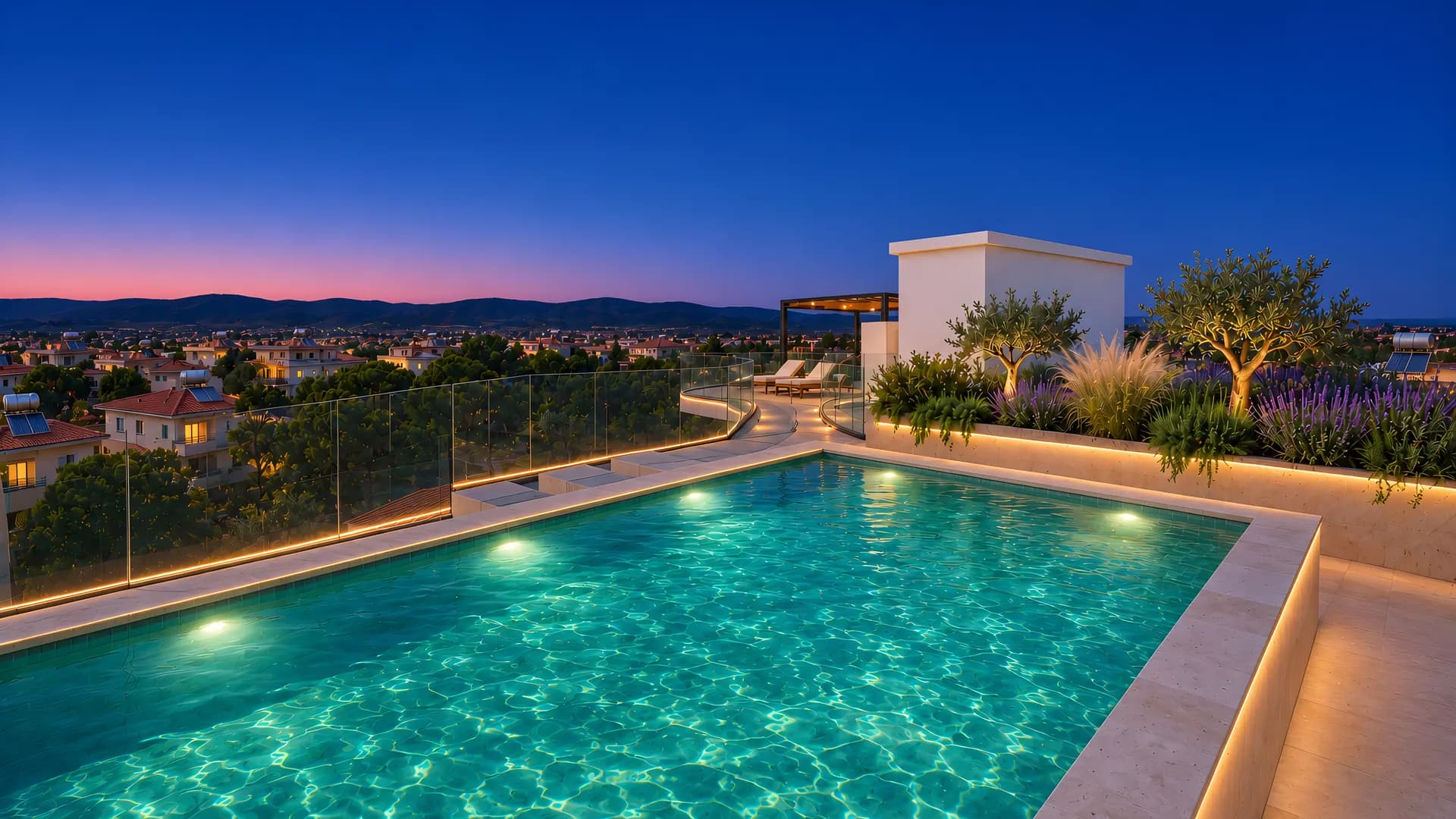
Renders and interior views from one of our projects.
From drawings to a live viewer.
You send the files. We build the model, render it and connect it to your stock.
- 01
Drawings
Architect files: PDF, DWG or a 3D model.
- 02
Model and site
The building is modelled and placed on its real plot.
- 03
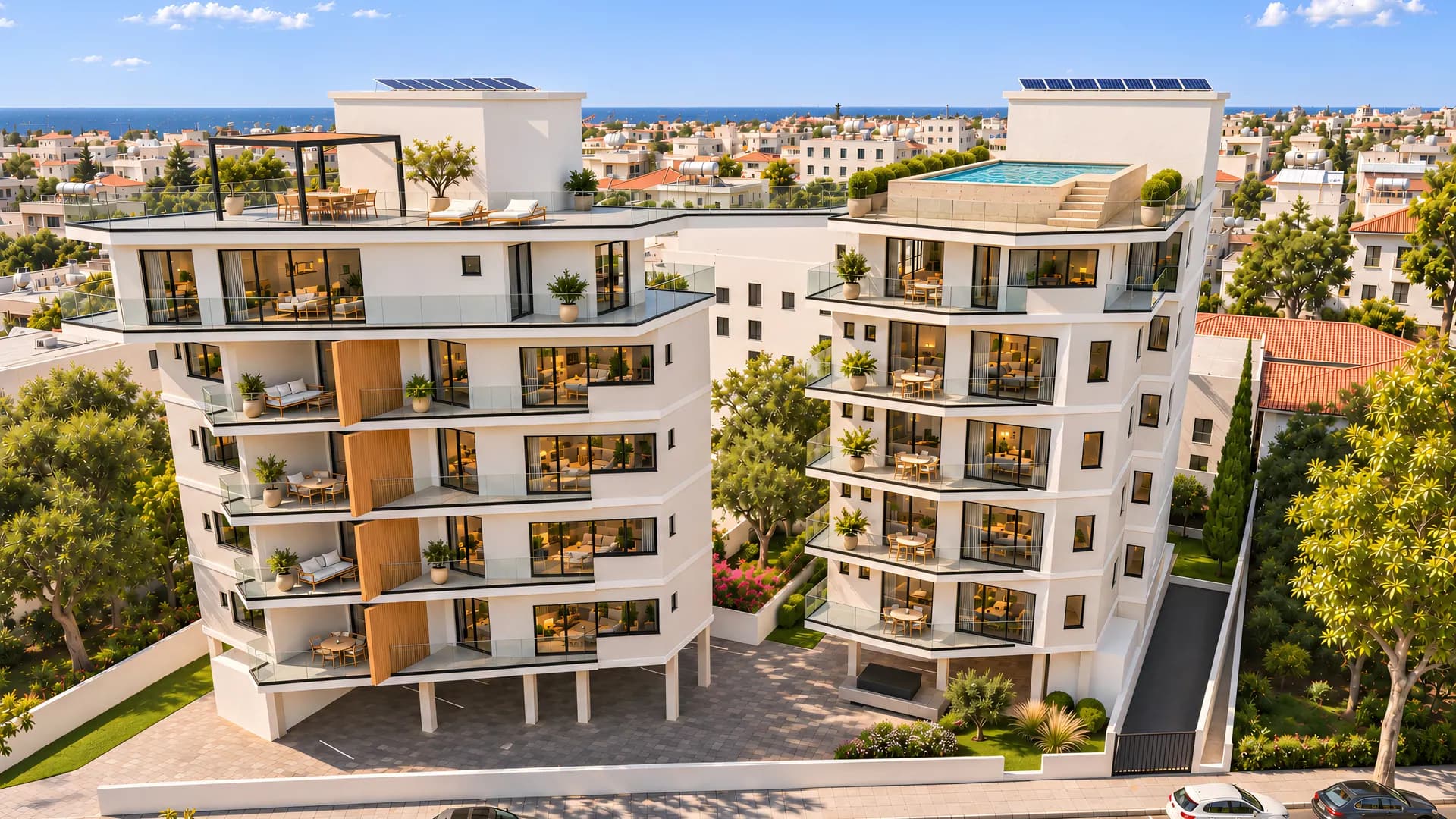
Render
Frames around the building, for desktop and phone.
- 04
Apartments
Every apartment gets its outline and number.
- 05
Stock
Statuses and enquiries connect to your CRM.
What we need from you.
Four things are enough to prepare a quote for your project.
Architect drawings
Plans and elevations, or a model if you have one.
Site location
An address or a plot number.
Apartment list
Numbers, floors, areas and prices.
Brand and languages
Logo, colours and the languages your buyers read.
Show us your project.
A 30-minute call about your building. We will say which format fits and what we need to prepare a quote.